Maldito 2016!!
Fucking 2016!
Leave a reply
Maldito 2016!!
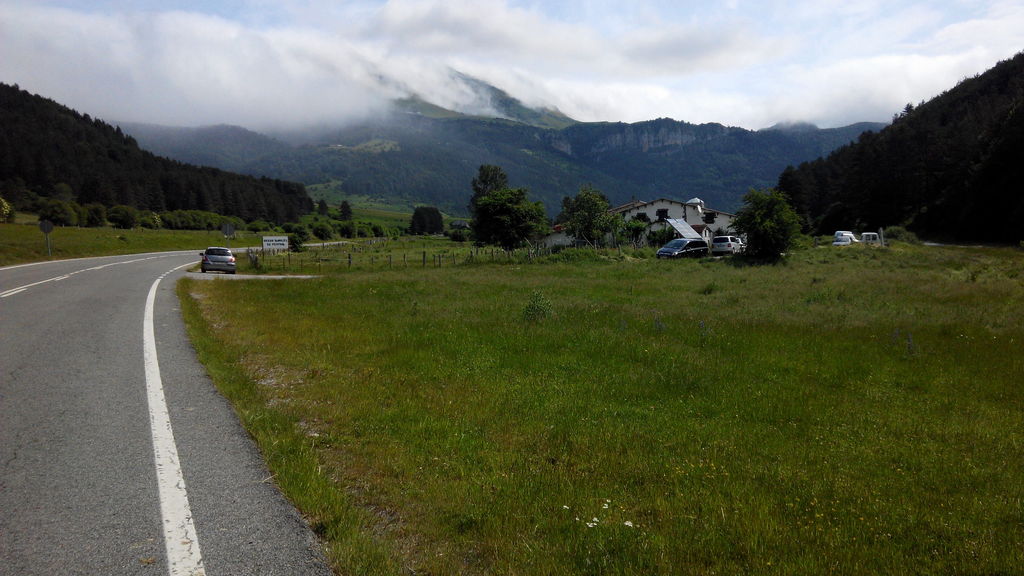
This stage took me from Izaba (Nafarroa) to Pierrefitte (Hautes-Pyrénées, France). It was late June, almost July and 5C at the top of Pierre de St Martin, really cold up there. Afterwards just cycling through France until reaching Pierrefitte.
For this script to work Yahoo Finance is needed. It can be easily installed with pip. Stock tickers are taken from a file called tickers.txt.
#!/usr/bin/env python

import time
from yahoo_finance import Share

dict = {}
f = open("tickers.txt", "r")
for ticker in f.readlines():
        dividend = Share(ticker).get_dividend_yield()
        if dividend is not None:
                print ticker.rstrip()+": "+dividend
                if float(dividend) > 0:
                        dict[float(dividend)] = ticker.rstrip()
f.close()

filename = "dividends-"+time.strftime("%Y%m%d")+".csv"
f = open(filename, "a")
f.write("Ticker, Dividend Yield, Dividend Share, Stock Price\n")
print "Ticker; Dividend Yield; Dividend Share; Stock Price\n"
for k in reversed(sorted(dict.keys())):
        escribir = dict[k]+","+str(k)+","+str(float(Share(dict[k]).get_dividend_share()))+","+str(float(Share(dict[k]).get_price()))+"\n"
        print dict[k]+";"+str(k)+";"+Share(dict[k]).get_dividend_share()+";"+Share(dict[k]).get_price()
        f.write(escribir)
f.close()
When done it creates a csv (named dividends-YYYYMMDD.csv) file ordered by highest dividend yield paying stocks.
00:55:40 [me@server Finance]$ head -5 dividends-20160414.csv
Ticker, Dividend Yield, Dividend Share, Stock Price
GLBL,44.0,1.1,2.64
CLM,29.7,4.42,15.624
XRDC,22.99,0.6,2.65
CRF,22.1,3.98,16.75
00:55:49 [me@server Finance]$
I had to play around with Mechanize lib to automate wordpress login. Proved out to be pretty handy.
#!/usr/bin/env python

from mechanize import Browser #pip install mechanize

br = Browser()
br.set_handle_robots(False)
br.addheaders = [("User-agent","Python Script using mechanize")]

sign_in = br.open("https://www.wordpress.com/wp-login.php")  #the login url

br.select_form(nr = 0) #accessing form by their index. Since we have only one form in this example, nr =0.
br["log"] = "user@domain" #the key "username" is the variable that takes the username/email value
br["pwd"] = "passwd"    #the key "password" is the variable that takes the password value

logged_in = br.submit()   #submitting the login credentials

logincheck = logged_in.read()  #reading the page body that is redirected after successful login

print logged_in.code   #print HTTP status code(200, 404...)
print logged_in.info() #print server info
#print logincheck #printing the body of the redirected url after login
Execution:
user@server: ~/Python $ python wordpress-login.py
200
Server: nginx
Date: Fri, 04 Mar 2016 16:45:40 GMT
Content-Type: text/html; charset=utf-8
Content-Length: 5762
Connection: close
Vary: Accept-Encoding
X-Frame-Options: SAMEORIGIN
X-ac: 1.ams _dfw
Strict-Transport-Security: max-age=15552000
X-UA-Compatible: IE=Edge

user@server: ~/Python $
If you uncomment the last line in the script above it would print out the HTML code of the logged in page.